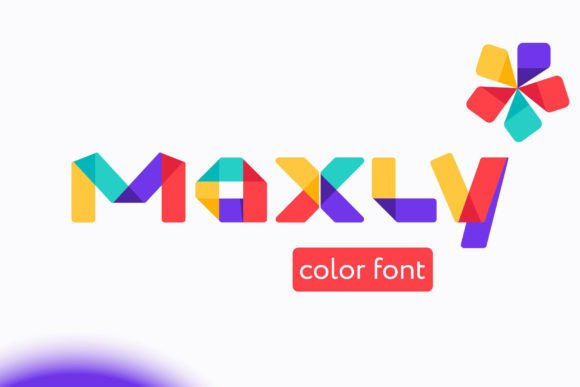
Maxly: The Fun, Bold Display Color Font for Modern Creators
Understanding Maxly: More Than Just a Typeface
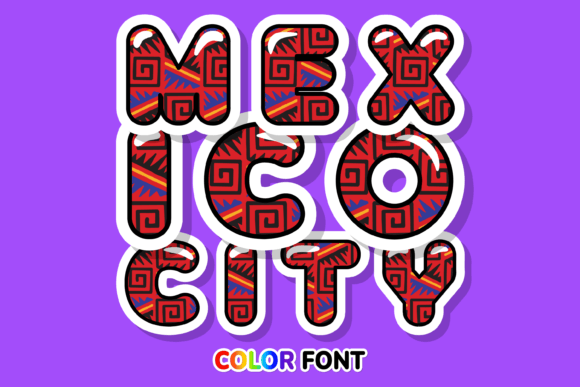
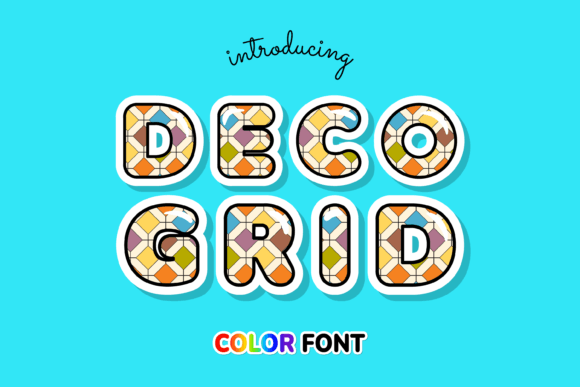
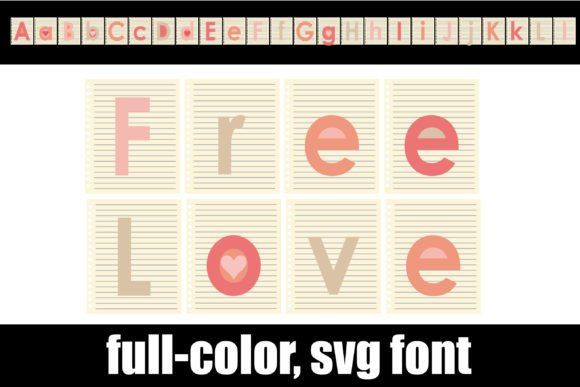
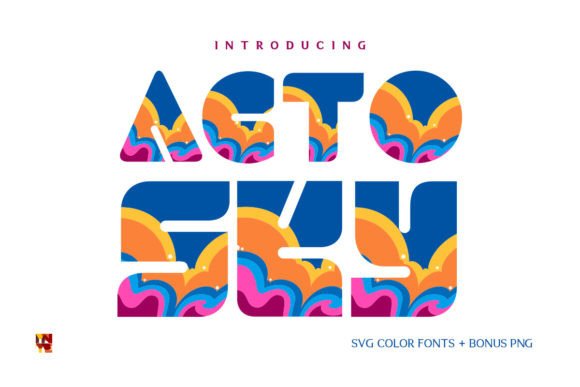
When you first encounter Maxly, you immediately notice its energy. This isn't a quiet, background font—it's a display font built to command attention. Defined by its bold weight and vibrant color capabilities, Maxly utilizes modern Opentype-SVG technology to render full-color gradients and textures directly within the letterforms. It possesses a personality that is playful yet structured, making it a standout choice among contemporary design assets. Unlike a standard vector serif font or sans serif font, Maxly offers a tactile, visual punch that mimics real-world materials or digital vibrancy without requiring extra layering in your design software.
The appeal of Maxly lies in its versatility within the "fun" category. It strikes a balance between being whimsical and professional. For brand identity projects that aim to feel approachable, energetic, or youthful, this creative font bridges the gap between serious typography and expressive illustration. It avoids the chaotic look of some handwritten fonts while steering clear of the rigid formality of traditional corporate typefaces.
Where Maxly Shines: Real-World Applications
Because Maxly is a premium font designed for high-impact visuals, it is rarely the right choice for long-form body text. Instead, it excels in scenarios where you need to convey a message quickly and memorably. Here is where this typeface truly performs:
- Digital Designing & Social Media: In the fast-scrolling world of Instagram or TikTok, social media graphics need to pop. Maxly’s bold stature and color capabilities make it perfect for story headers, sale announcements, or quote graphics. It grabs the eye instantly, improving engagement rates for marketers and bloggers.
- Greeting Card Making & Crafting: The font’s playful nature makes it ideal for the crafting community. Whether you are designing birthday invitations or holiday cards, Maxly adds a celebratory feel that standard script fonts often lack.
- Presentations & Web Design: In web design or slide decks, using Maxly for section headers can break up the monotony of standard text. It adds a layer of modern typography sophistication that makes the content feel curated and intentional.
- Packaging Design: For products targeting a younger demographic or lifestyle brands that want to appear bold, Maxly works exceptionally well on packaging design. It communicates flavor, fun, and quality immediately on the shelf.
Strategic Impact: Brand Perception and Visual Hierarchy
Choosing a font is a strategic decision that influences how your audience perceives your brand. By integrating Maxly into your logo design or marketing materials, you are signaling that your brand is modern, confident, and accessible. In editorial design, a bold display font helps establish a clear visual hierarchy. When readers see Maxly, they instinctively know it’s a headline or a call-to-action, guiding their eye through the content logically.
However, readability requires careful consideration. Because Maxly is a color font, contrast against the background is vital. Ensure that the colors within the font do not clash with your background image or color. If you are using the font for critical information, test it at various sizes to ensure the "fun" elements don't obscure the legibility of the letterforms at smaller scales.
Practical Guide: Pairing and Compatibility
One of the most common questions regarding font pairing is what goes with a bold display font. Because Maxly is so expressive, it demands a neutral partner. A clean, geometric sans serif font is usually the best companion for body text. The neutrality of the sans-serif allows Maxly’s personality to shine without creating visual noise. Avoid pairing it with a decorative script font, as the two will compete for attention.
Before purchasing or downloading, you must verify your software compatibility. Note! This product is a color font (Opentype-SVG) and is compatible with PhotoShop, Illustrator, Silhouette, and Inkscape. This technology allows the font to maintain its color data. However, there is a significant limitation for certain users: The OTF and/or TTF files of this product are not compatible with Cricut. If you are a crafter using Cricut Design Space, you will not be able to use the color version of this font effectively.
For those using compatible software, exploring the full character set is recommended. Often, these fonts include stylistic alternates or ligatures that can add even more flair to your brand identity. Always review the licensing terms if you plan to use Maxly for commercial products, such as merchandise or digital goods sold to clients.
Ultimately, Maxly is a tool for creators who aren't afraid to be seen. Whether you are a small business owner revamping a product line or a designer looking for that perfect headline typeface, this commercial font offers a distinct aesthetic that is hard to replicate with standard typography.